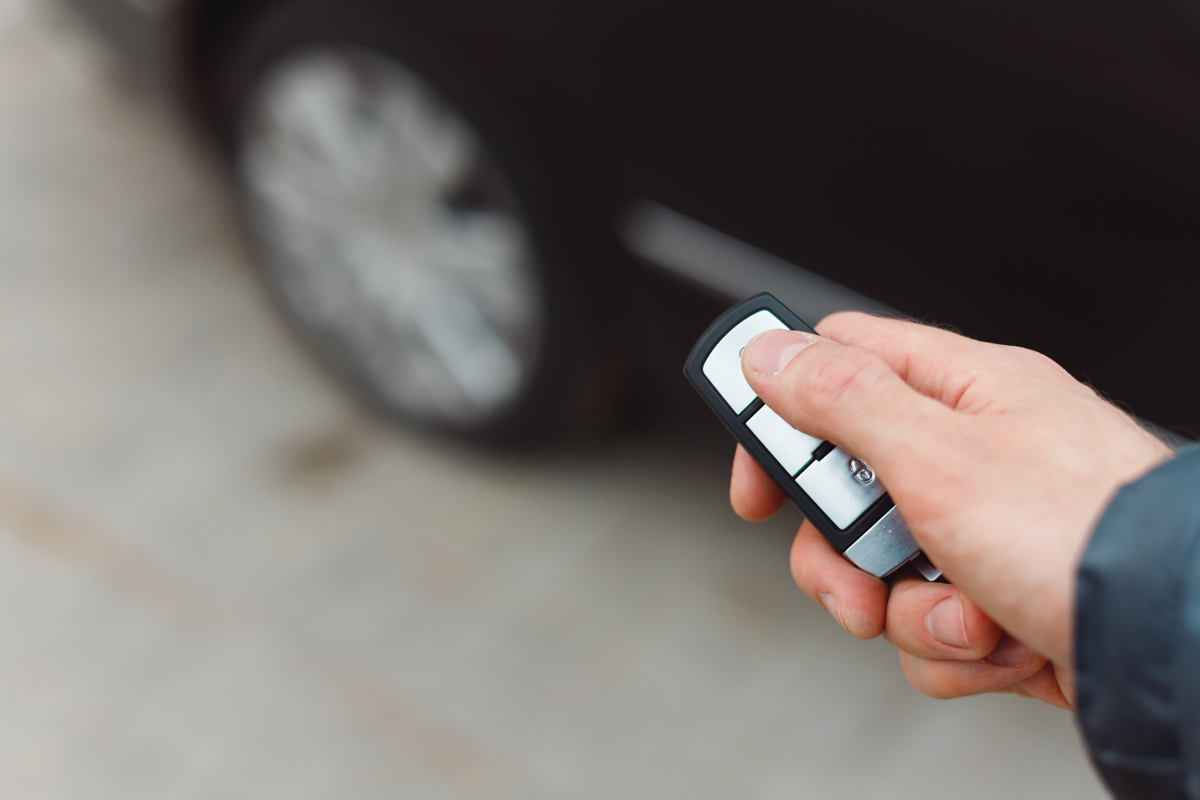
Learn how to use the MyNISSAN App to remotely start your Nissan Rogue below.
Nissan Remote Controls
Nissan models can be started remotely through the use of the MyNISSAN App. Not only will you be able to start your car, this app also allows you to heat the seats, defrost, and adjust the interior temperature.
The remote start/stop with climate control features is currently only available on the 2024 Nissan Rogue SL and Platinum trims.
How To Remote Start A Nissan Rogue
Follow these steps in order to start your Nissan with a remote:
- Begin by opening your MyNISSAN App.
- Press the “Start/Stop” button in order to start your car.
- Hold down on the button for a few seconds if it is not responding right away.
- A timer will pop up to show the time remaining until the engine shuts off if the command was unsuccessful.
In case you haven’t started the engine in the last two weeks, you’ll need to start the engine using the Nissan Intelligent key. Do this before the car initiates remote start/stop commands.
Live In The Scottsdale Area? Get Your Inspection Done At Bridwell Automotive Center!
Get your road trip inspection and preparation service done at Bridwell Automotive Center, located at 7171 E Lincoln Dr. Scottsdale, Arizona 85253 or call (480) 948-4781 for more information.